Templates

Bundle templates

New bundles in SMART Bundles start from one of these 9 templates on the app's "Create new discount" page, where each card is a live render of the storefront widget. Every tier, text and setting a template starts with can be changed in the bundle editor.

Each picture is the app's real storefront widget, rendered from its code with demo products and the default colors. Every text, color and tier is yours to change.

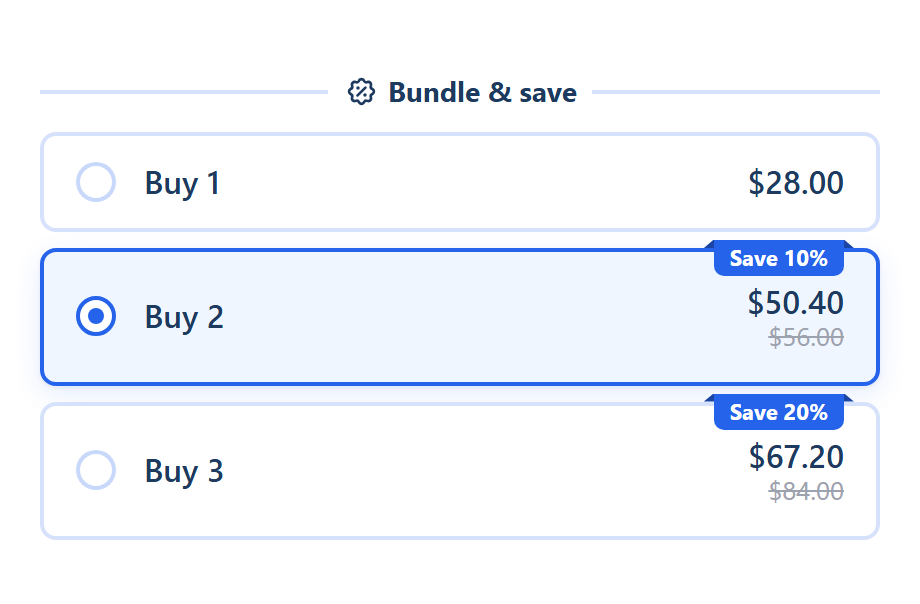
Quantity breaks widget with three tiers for a serum: 1 at full price, 2 with a Save badge, 3 with a bigger saving, the middle tier selected

Quantity breaks

Buy 1 · Buy 2, 10% off · Buy 3, 20% off

Three offer cards on the product page: Buy 1 at the regular price, then Buy 2 and Buy 3 with a "Save 10%" and "Save 20%" badge. Buy 2 is selected when the page loads.

Best for: Selling more units of one product

How it works
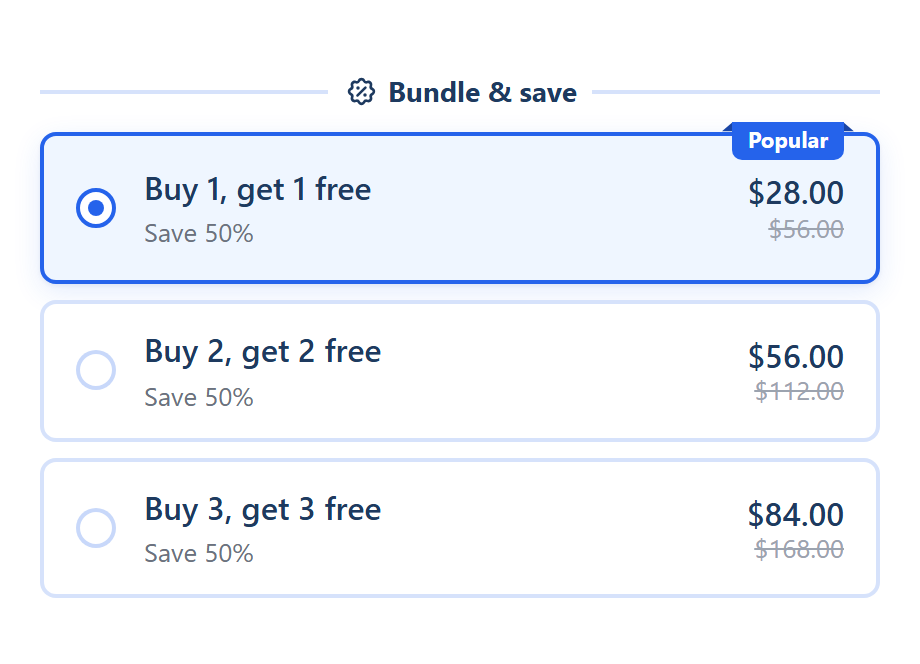
Buy X, get Y widget with buy one get one free and bigger tiers

Buy X, get Y

Buy 1, get 1 free · Buy 2, get 2 free · Buy 3, get 3 free

Three cards with a "Save X%" line, the first marked "Popular" and selected. Picking one adds the bought and the free units of the same product in one click.

Best for: BOGO on a single product

How it works
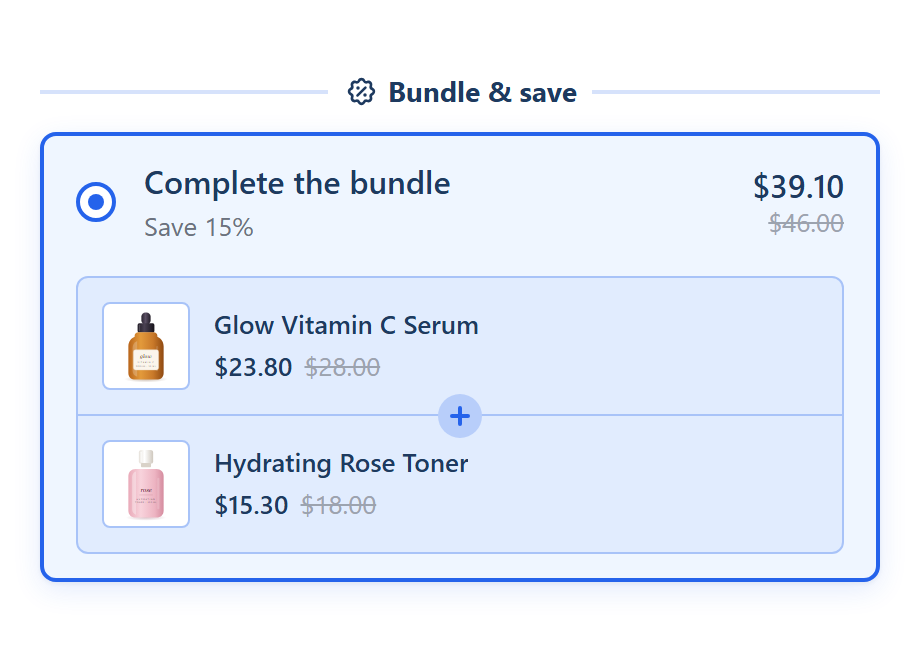
Complete the bundle widget pairing the serum with a toner for one bundle price

Complete the bundle

This product + 1 product you pick, 15% off

One "Complete the bundle" card showing this product and the product you add, each with its discounted price. One Add to cart adds both.

Best for: Items that are bought together

How it works
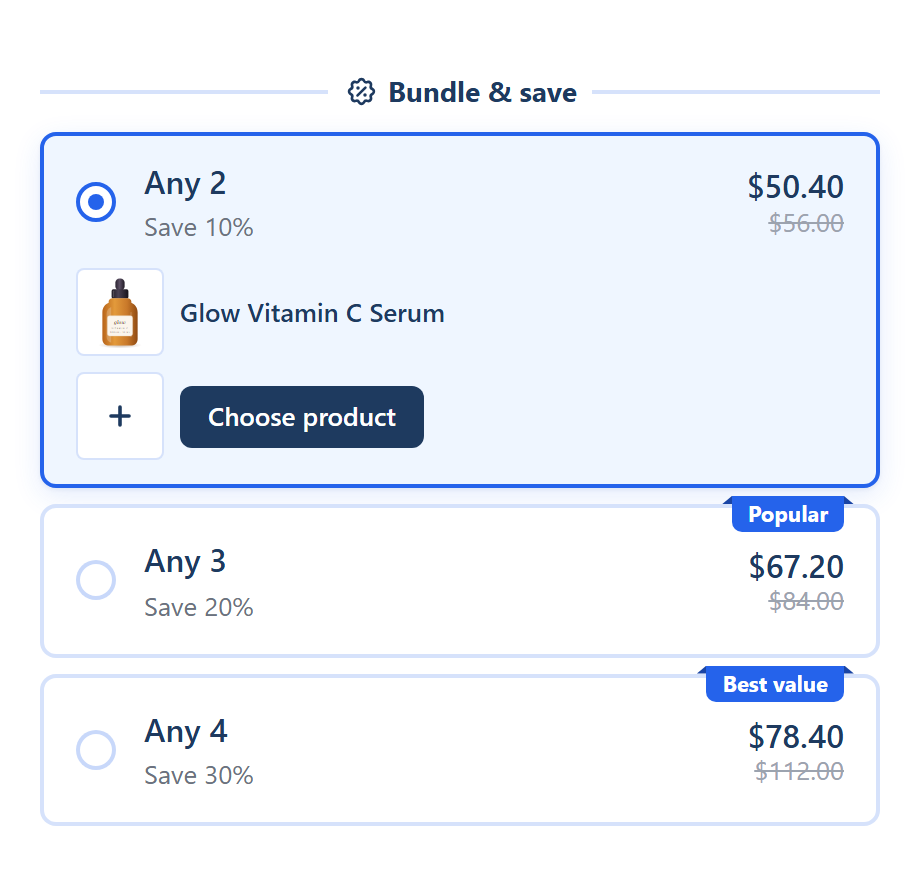
Mix and match widget with tiers for any 2, 3 or 4 products and empty Choose product slots

Mix and match

Any 2, 10% off · Any 3, 20% off · Any 4, 30% off, on collections

Any 2, Any 3 and Any 4 cards ("Popular" and "Best value" badges) on the products of the collections you pick. The first item is this product; shoppers choose the rest in the widget.

Best for: Any N from a collection

How it works
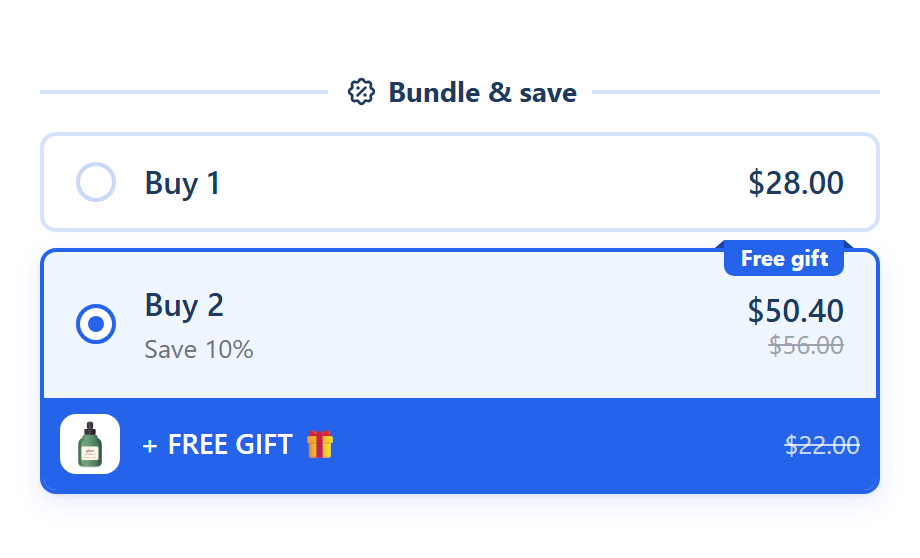
Bundle widget whose top tier is selected and shows a + FREE GIFT band with the gift product

Bundle with a free gift

Buy 1 · Buy 2, 10% off + a free gift

Two cards. The Buy 2 card carries a "Free gift" badge and a "+ FREE GIFT 🎁" row, and the gift is added to the cart with it.

Best for: A gift for buying more

How it works
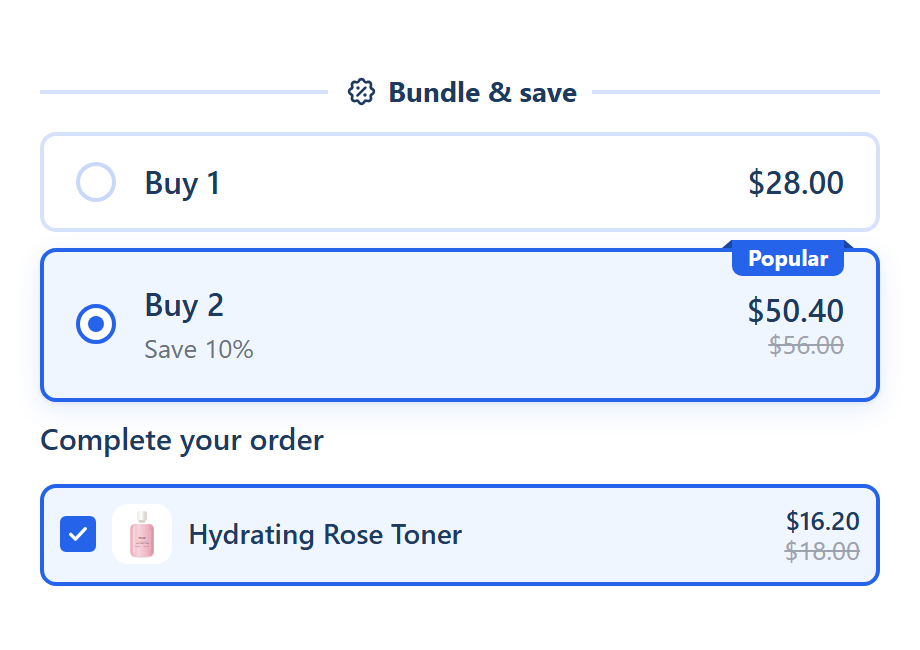
Quantity breaks widget with checkbox upsell add-ons listed under the offers

Bundle with upsells

Buy 1 · Buy 2, 10% off + add-ons at 10% off

Buy 1 and Buy 2 cards ("Popular") with a "Complete your order" block of checkbox add-ons under the offers, ticked by default.

Best for: Accessories and add-ons

How it works
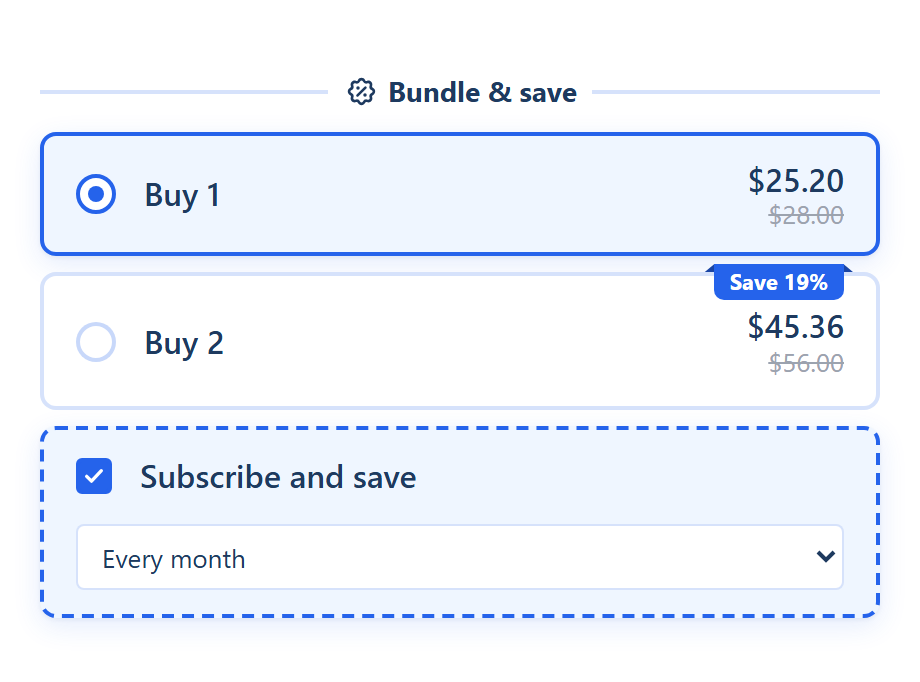
Bundle widget with two tiers and a Subscribe and save option selected under the offers

Subscription

Buy 1 · Buy 2, 10% off + Subscribe and save

Buy 1 and Buy 2 cards with a "Subscribe and save" choice below the offers, using the product's own subscription plans.

Best for: Products sold on subscription

How it works
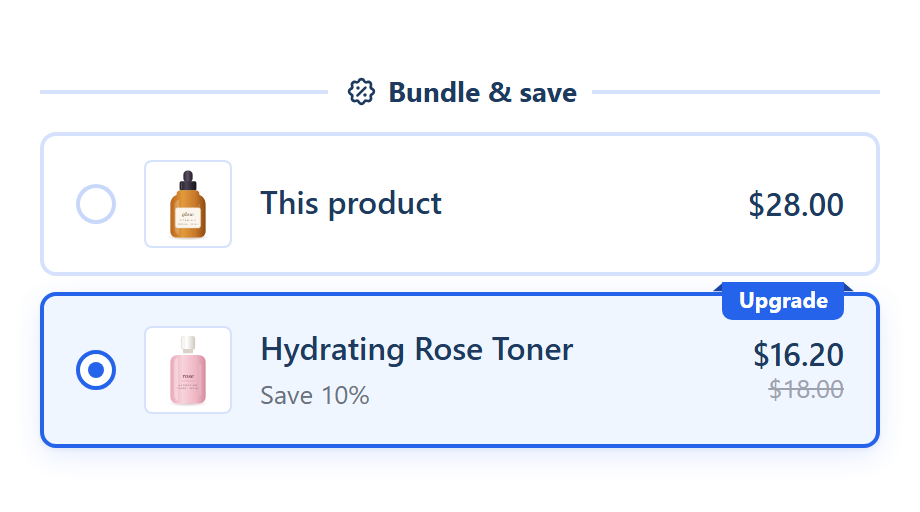
Alternative product widget offering a different product from the same page

Alternative product

This product · a product you pick, 10% off

Two cards with product images: "This product" at its regular price, and the product you pick at 10% off with an "Upgrade" badge. Choosing it adds that product instead.

Best for: Upgrading to a better version

How it works

Start from scratch

No offers yet

An empty bundle with no offers. You add your own, at least one, before you can save it.

Best for: Building your own setup

How it works

Start from any template, free

SMART Bundles is free on the Shopify App Store. Questions? Contact support by chat in the app, or email support@etradepartner.io.

Install free on Shopify